Welcome to the SeaMeet Web App
Chapter 1: Welcome to the SeaMeet Web App
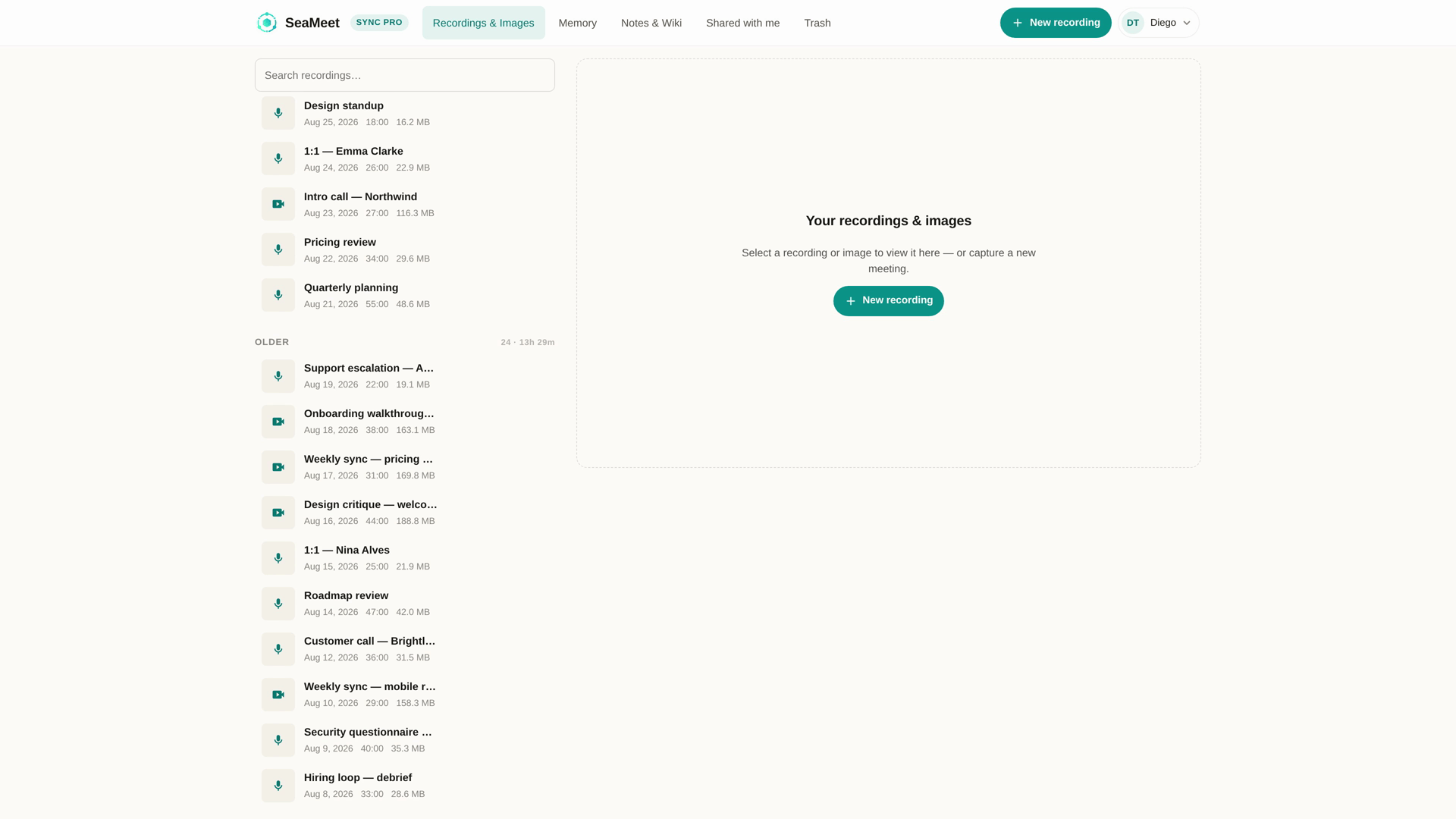
The SeaMeet Web App at app.seameet.ai is a browser-based recorder and library in one page. Nothing to install. Works on any modern browser, on desktop, tablet, or phone.
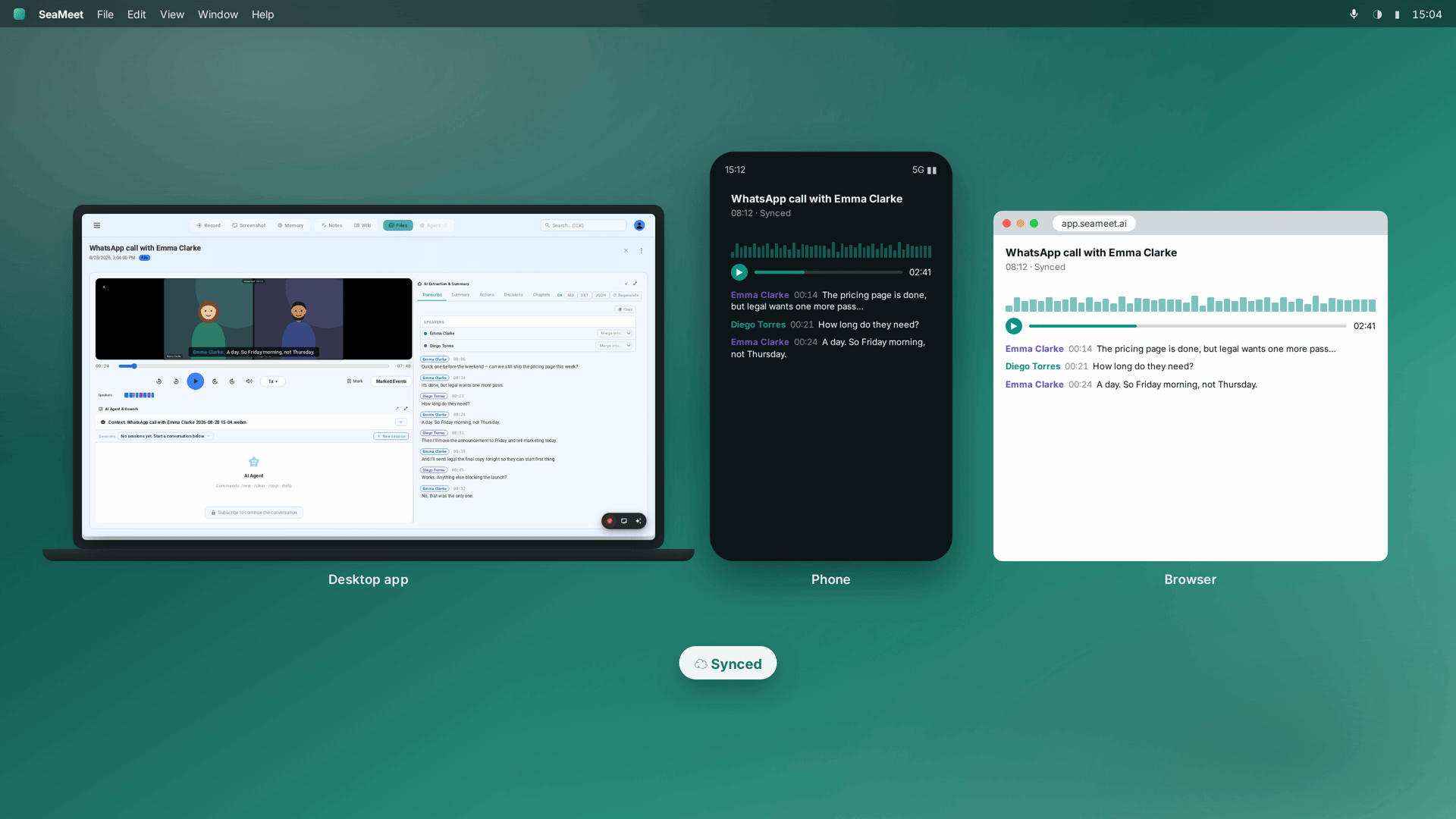
The two things it does:
- Records — capture a browser tab, an app window, your whole screen, or just your mic. Live transcript, live notes, one-button start. No bot ever joins your call.
- Holds everything — every recording you make (in the web app, in the Chrome extension, or in the desktop app) lands in your library here. Playback, transcripts, AI summaries, sharing, teams, billing — this is where they live.
What you can record from the web app
Any of these, without leaving the browser:
- A specific Chrome tab — great for tab-only meeting apps like Google Meet Web, Zoom Web, WhatsApp Web, LINE, WeChat, Telegram Web.
- A specific application window — Zoom desktop, Teams desktop, Slack huddles.
- Your whole screen — every app in view.
- Just your microphone — dictation, podcasting, memos.
- Your camera on top of any of the above — a picture-in-picture webcam overlay for talking-head recordings.
For each source, SeaMeet also captures the other person's audio (via Chrome's "Share system audio" checkbox) alongside your microphone.
The recorder lives at app.seameet.ai/record, or you can visit a per-app landing page like app.seameet.ai/record/whatsapp for an app-specific walkthrough. See Chapter 4.
What you can do afterwards
Every recording that lands in your library:
- Gets a live transcript as it records, then a higher-quality post-processed one.
- Gets an AI summary with headline, overview, action items, decisions, and clickable chapters.
- Can be shared as a public link, an email invitation, or added to a team library.
- Can be searched across every recording via Meeting Memory — a searchable wiki of everything you've ever recorded.
The three tiers of user
The web app treats three kinds of visitor differently:
- Anonymous. No account. You can visit a share link someone sent you, or hit the launchpad at
app.seameet.ai/recordand record something — it gets a guest session and stays local until you sign in. Free-tier reveal cap on transcripts. - Signed-in, free tier. Your library is capped in size; each meeting shows the first 15 minutes of transcript + summary and blurs the rest.
- Signed-in, Sync Pro. Every reveal window is unlocked. Sharing is fully enabled, the library is uncapped, and Meeting Memory works across the full archive. The intended full experience.
Which tier you're in decides which features you see and which upgrade prompts appear. See Chapter 14.
What the web app doesn't do
Some capabilities live only in the Desktop App:
- Flashback (the retroactive "save the last 30 seconds" time-machine).
- Auto-Detection across 47+ meeting apps using OS-level per-app audio monitoring.
- Global keyboard shortcuts that work from any app.
- A tray icon and 24/7 background presence.
- The full Tiptap notes editor with wikilinks, slash menu, and drag-drop media (though a solid WYSIWYG editor IS in the web app for notes during a recording).
- Local-first storage — every web recording uploads to the cloud.
For everything else, the web app is the primary surface.
What you'll need
- A recent browser (Chrome, Safari, Firefox, Edge). Chrome and Chromium-based browsers get the fullest recording experience — tab-audio capture is best-supported there.
- A microphone (built-in laptop mic is fine).
- A SeaMeet account for uploads to your library — but you can also record as a guest and sign up later.
Last updated: 2026-08-28
Published: