After the Meeting
AI Skills
Stop copy-pasting to ChatGPT. SeaMeet turns your recordings into action — automatically.
These AI skills are currently in development and will be available in a future update.
Every meeting produces raw content — audio, transcripts, conversations. But the real work happens after: writing summaries, creating slides, drafting follow-up emails, translating for international teams. SeaMeet's AI agent handles it all.
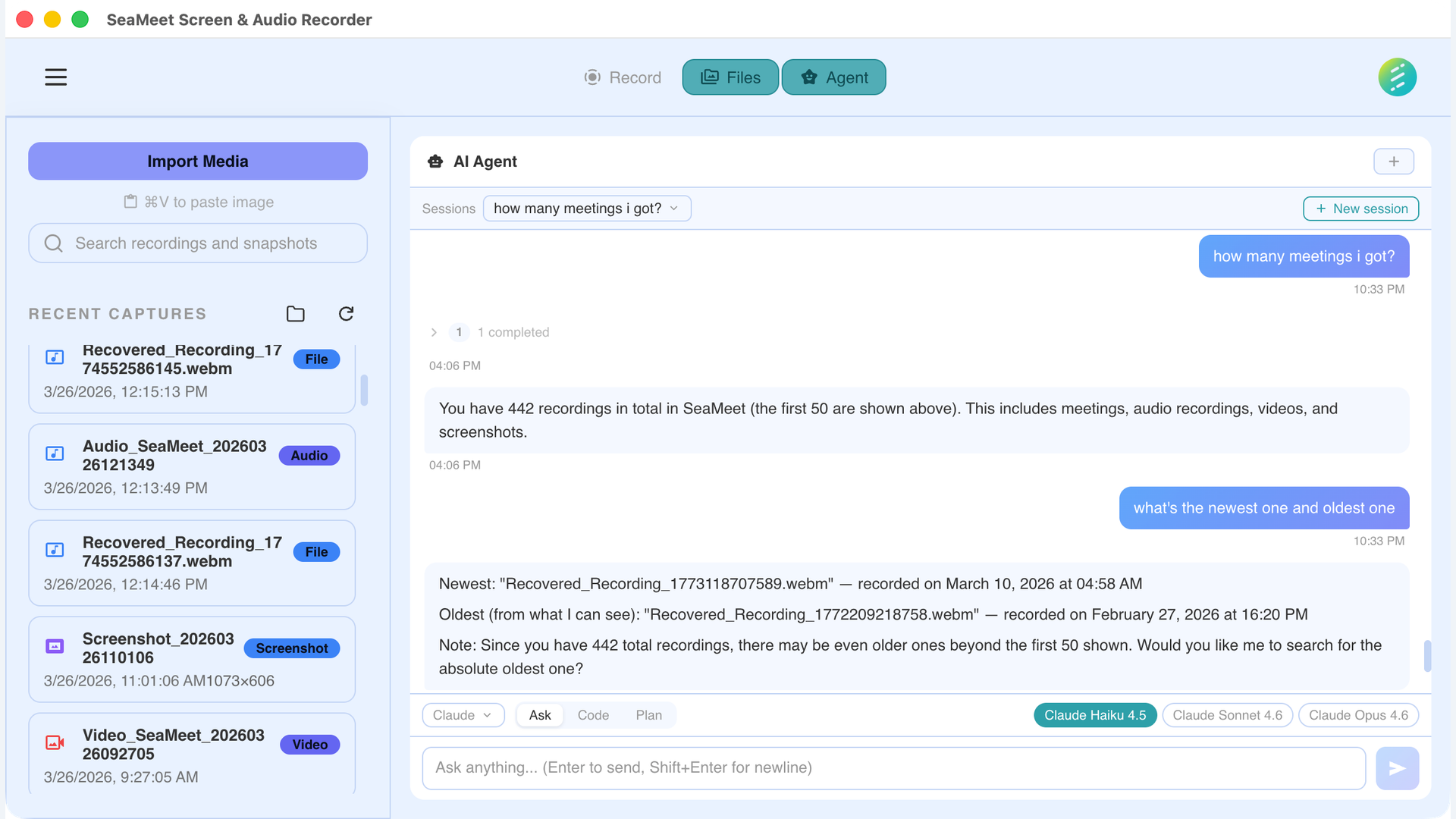
Tell SeaMeet what to do with your recordings
Skills
Transcribe
Full word-for-word transcript with speaker labels and timestamps. Powered by Gemini Live.
Manually rewind and type out what was said
Complete, searchable transcript appears automatically
Summarize
Concise summary with key points, decisions made, and action items extracted automatically.
Skim a 60-minute recording to find what matters
Key points, decisions, and action items in seconds
Ask Questions
Interactive AI agent that answers natural language questions about your recordings.
Search through notes trying to remember what was said
"What did the client say about the timeline?" — instant answer
Translate
Translate transcripts and summaries into any language. Perfect for international teams.
Copy transcript, paste into Google Translate, reformat
One click: full transcript in Japanese, Spanish, or any language
Make Slides
Generate presentation slides from meeting content. Ready to share with stakeholders.
Manually create slides from meeting notes
"Make slides from this standup" — presentation ready in seconds
Create Infographic
Visual one-pager summarizing key meeting outcomes. Share-ready.
Design a summary graphic in Canva or Figma
Auto-generated visual summary you can share immediately
Draft Follow-up Email
AI drafts a follow-up email based on action items and decisions from the meeting.
Write the email yourself, re-reading notes for context
Ready-to-send email drafted from meeting decisions and action items
Export to Notion/Docs
Push meeting summaries directly to your knowledge base.
Copy-paste summaries into Notion, reformat manually
Meeting notes appear in your workspace automatically
How it works
Record any conversation
Auto-detected or manual — SeaMeet captures audio and video from any source on your desktop.
AI processes the recording
Transcribe, extract key information, and analyze the content — all happening automatically.
Tell the agent what to do
"Make slides from this." "Translate to Japanese." "Draft a follow-up email." Just ask.
Not on the desktop app? See the web capability → Customized Summary