AI Extraction
AI-Powered Extraction
Automatically extract summaries, action items, decisions, and chapters from your recordings.
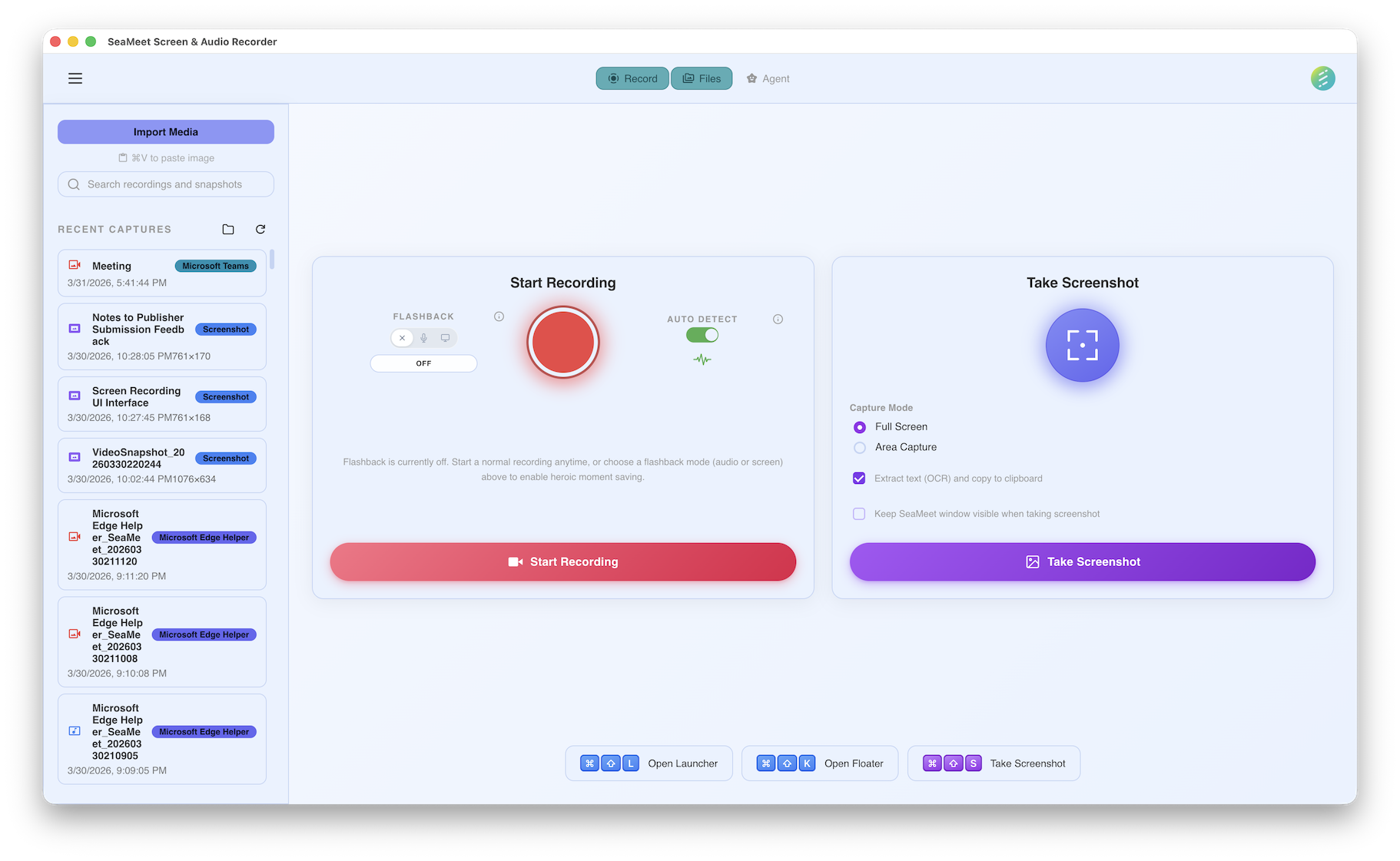
Each recording shows extracted summaries, action items, and more
Five extraction types
After a recording with transcription, SeaMeet can run AI extraction to pull out structured information. Each extraction type serves a different purpose — use one or all of them.
Transcript
The full text of everything said during the recording. Speaker-labeled, timestamped, and searchable. The foundation that all other extractions build on.
Summary
A concise overview of what was discussed. The AI identifies the main topics, key points, and outcomes — condensing a 60-minute meeting into a few paragraphs.
Action Items
Specific tasks mentioned during the recording, extracted with assignees and deadlines when stated. "John will send the report by Friday" becomes a structured action item.
Key Decisions
Important decisions that were made during the conversation. The AI distinguishes between discussions and actual decisions — "We decided to go with option B" is captured, but "We should consider option B" is not.
Chapters
The recording is divided into logical chapters based on topic changes. Each chapter has a title and timestamp, making it easy to navigate long recordings.
Version history
Every extraction is versioned. If you re-run extraction with a different AI model or updated prompts, the previous version is preserved. You can compare versions side-by-side or revert to an earlier extraction.
Automatic versioning
Each extraction run creates a new version with a timestamp. Previous versions are never overwritten or deleted automatically.
Side-by-side comparison
Compare two versions of the same extraction type to see what changed. Useful when testing different AI models or prompt configurations.
Restore previous versions
Set any previous version as the active one. The current version is preserved as another entry in the history.
AI-suggested filenames
After extraction, SeaMeet can suggest a descriptive filename for your recording based on the content. Instead of {before}, the AI might suggest {after}.
Suggested filenames are always optional — you can accept, edit, or dismiss them. The original filename is preserved in metadata regardless.
Auto template selection
SeaMeet automatically classifies your transcript and selects the best summary template. A built-in AI classifier detects the meeting type — standup, sales call, interview, medical consultation — and picks the most appropriate template from 48 options across 8 professional categories.
Template categories
Professional disclaimers
Medical and Legal templates automatically append specialized disclaimers to AI-generated summaries. These remind users that AI output should not replace professional advice.
AI-powered file naming
After extraction, SeaMeet suggests a descriptive filename based on the meeting content. Instead of a generic timestamp, the AI proposes a meaningful title like "Q3 Budget Review with Marketing Team". Suggestions are always optional — accept, edit, or dismiss them.