Sync & Backup
GitHub Sync
Sync your notes to a private GitHub repository. Full version history, multi-device access, and conflict detection.
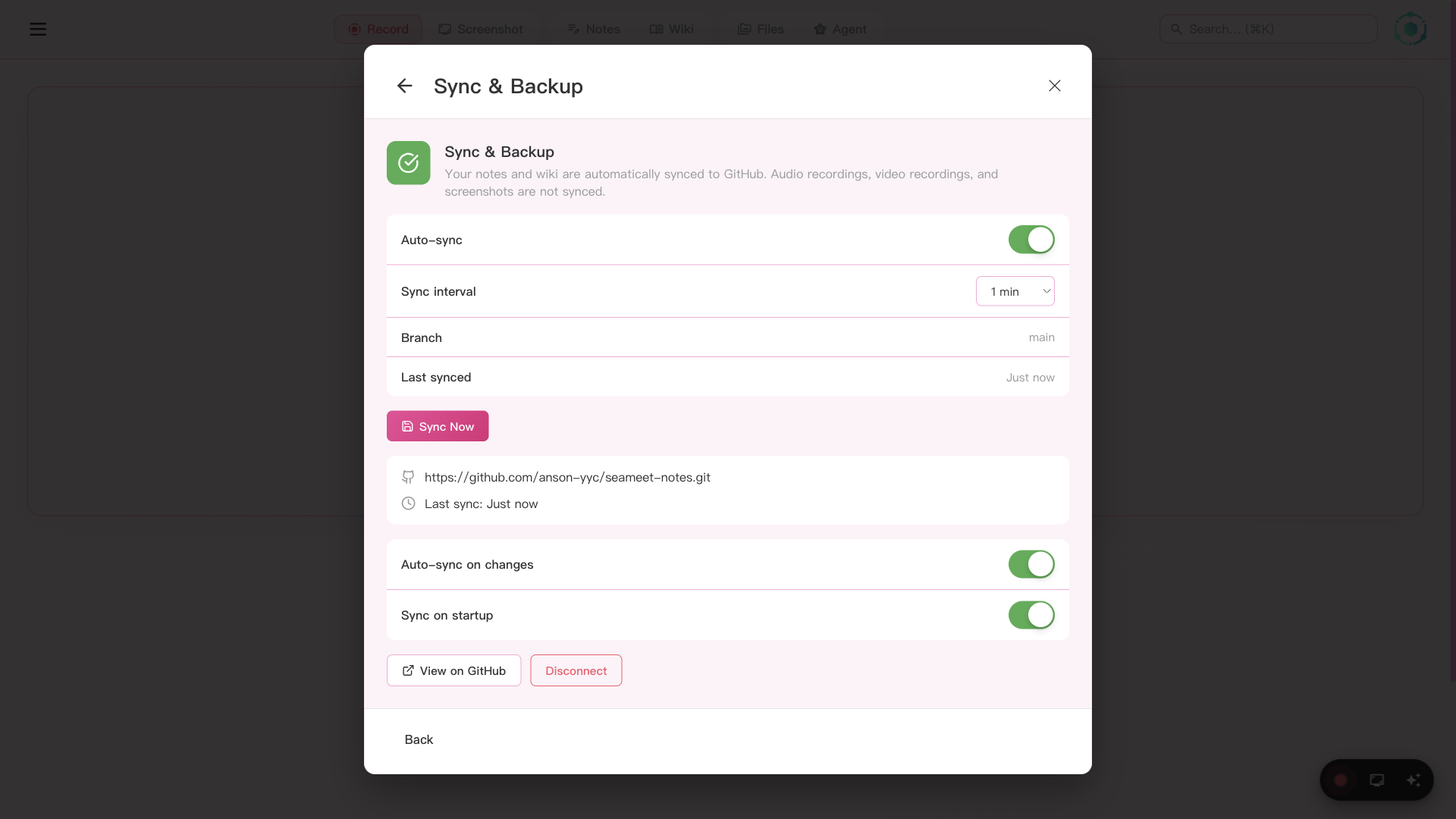
Configure GitHub sync with auto-commit intervals and conflict resolution
Your notes live on your device, but that shouldn't mean they're trapped there. GitHub Sync pushes your notes to a private repository you own — giving you version history, multi-device access, and the safety net of cloud backup without sacrificing privacy.
How GitHub Sync works
Auto-commit
SeaMeet periodically commits note changes to a private GitHub repository. Configure the commit interval (default: 5 minutes). Every change is tracked with a full git history — undo any edit at any time.
GitHub OAuth
Authorize SeaMeet using GitHub's device flow — no tokens to copy-paste. SeaMeet creates a private repository in your GitHub account and auto-refreshes the OAuth token before it expires.
Auto-sync on startup
SeaMeet pulls the latest changes on launch using pull rebase. Your notes are always up to date across devices. Push happens automatically after each commit.
Conflict detection
If the same note is edited on two devices, SeaMeet detects git conflicts and shows a resolution UI. No silent data loss — you choose how to merge.
Sync status
A visual sync status bar in the sidebar shows the current state: synced, syncing, or conflict detected. You always know whether your notes are up to date.
Cloud folder detection
SeaMeet automatically detects when your workspace folder is inside a cloud sync directory and shows visual indicators. Conflict files from Dropbox, iCloud, and Syncthing are flagged with amber badges.
Privacy
Your notes are stored in a private GitHub repository that only you can access. SeaMeet never reads or processes the contents of your synced notes. Sync is entirely opt-in — disable it at any time and your notes remain on your device.
Only notes are synced. Audio recordings, video files, and screenshots stay on your device — they are never uploaded to GitHub.