Platforms
Cross-Platform
Native desktop app for Windows and macOS with full feature parity.
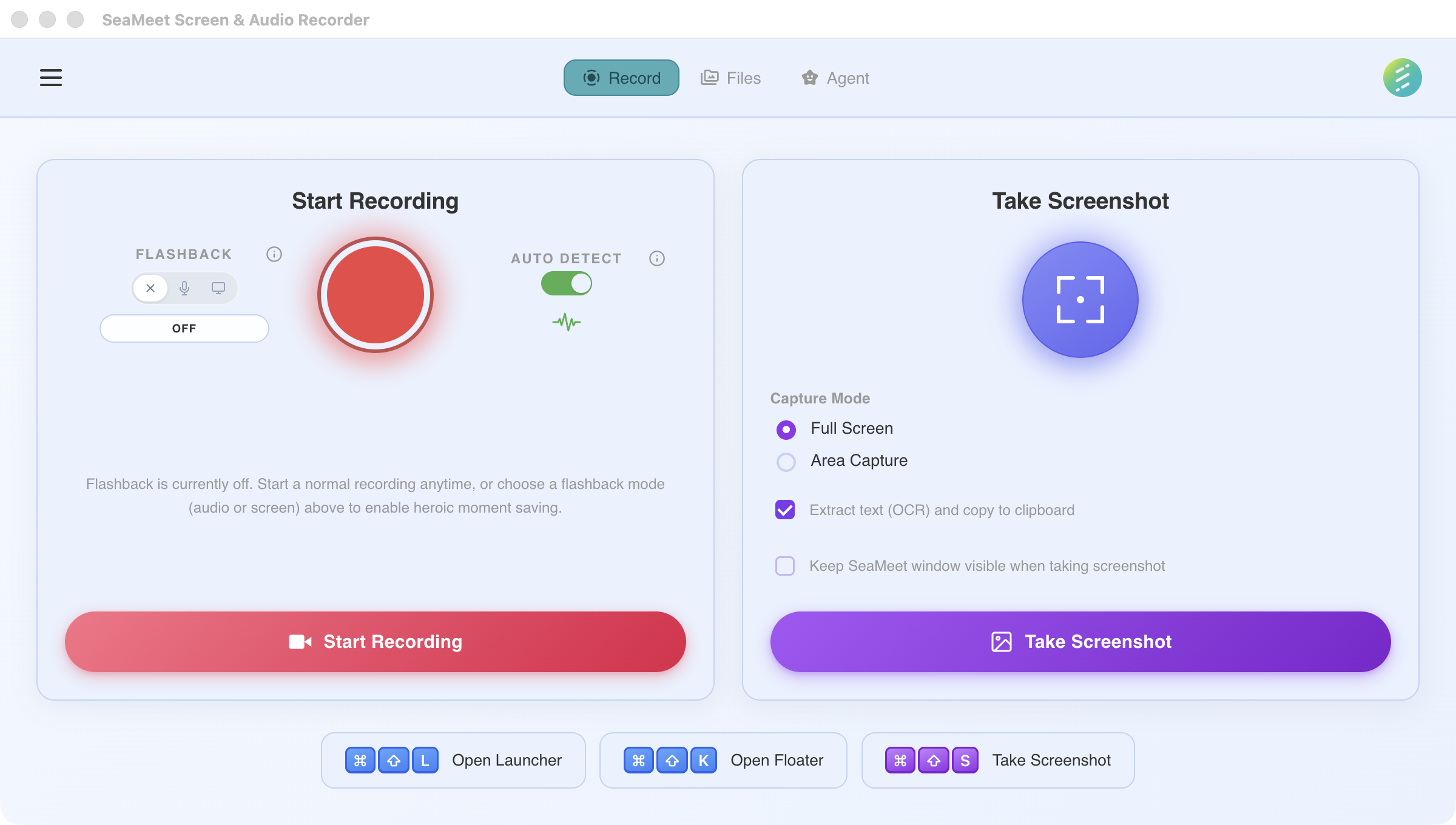
The same interface across Windows and macOS
One app, every desktop
SeaMeet Desktop is built with Electron and uses platform-native APIs for audio capture, screen recording, and system integration. Every feature works the same way on both Windows and macOS — no compromises, no "macOS only" footnotes.
Windows
Available nowRequirements
Windows 10 or later, x64
Installer
.exe installer
macOS
Available nowRequirements
macOS 14.2 (Sonoma) or later, Apple Silicon & Intel
Installer
.dmg
Feature parity
Every core feature works on every platform. No asterisks.
Native integrations
SeaMeet uses platform-native APIs wherever possible for the best performance and compatibility.
System audio without virtual drivers
On Windows, SeaMeet uses WASAPI loopback capture. On macOS, ScreenCaptureKit provides system audio access natively since macOS 13. No third-party virtual audio drivers needed on either platform.
Global hotkeys
Start, stop, and trigger flashback with system-wide keyboard shortcuts that work even when SeaMeet is in the background. Hotkeys are registered through each platform's native API for reliable capture.
System tray / menu bar
SeaMeet sits in your system tray (Windows) or menu bar (macOS) for quick access. View recording status, trigger flashback, or open the main window — all from the tray icon. Follows each platform's UX conventions.