How to Record and Transcribe In-Person Meetings
Table of Contents
The most important meeting of the week has no link. The negotiation across a table, the site walkthrough, the interview, the family conference at the hospital — none of them sends an invitation your calendar could parse. And that turns out to be a problem, because nearly every recording and notetaking tool built in the last decade begins by asking for one. Zoom wants to host it. Teams wants to transcribe a meeting that exists in its system. Fireflies, Fathom, Otter — the notetakers that quietly attend every online meeting — have exactly one way in the door, and a room full of people talking never opens it.
So the room goes unrecorded, and the room is where things get decided. This guide is the other path: putting SeaMeet’s in-person recorder on the laptop that is already sitting on the table, and walking out with a live, speaker-labelled transcript, a summary and action items — no link, no bot, no platform between you and the conversation.
Why online tools misfire in a physical room
Notetakers join meetings; a room has nothing to join. An AI notetaker’s whole life is the invite — a URL, a dial-in, a participant list. In person there is no URL, no attendee roster, no bridge to dial into. The people who ask “can Fireflies record in-person meetings?” in search bars every day are discovering the same wall from the other side.
Meeting platforms treat the room as an obstacle. The usual workaround — one laptop joins a Teams or Zoom call so the platform can record — drags the conversation through a microphone, an internet round-trip and a licensing gate, and the transcript still struggles to tell the people sitting one metre apart apart. Microsoft’s own forums fill up with exactly this attempt and exactly that failure.
Phones make poor witnesses. Propping a phone against a water bottle records something, and that something is a compressed audio file with no speakers, no timestamps and no summary — the raw material for an hour of re-listening. It works, the way a napkin works as a business card.
The fix isn’t a better workaround for online tools. It’s a recorder that treats the room as the primary venue — which is what the microphone path has always been.
Method 1: the browser recorder — the laptop is the equipment
The zero-setup path, and the flow behind the record an in-person meeting page:
- Put the laptop where it can hear the room. Middle of the table, lid open, away from the espresso machine and the air-con vent. The built-in microphone handles an ordinary meeting room; a long table earns a USB conference mic.
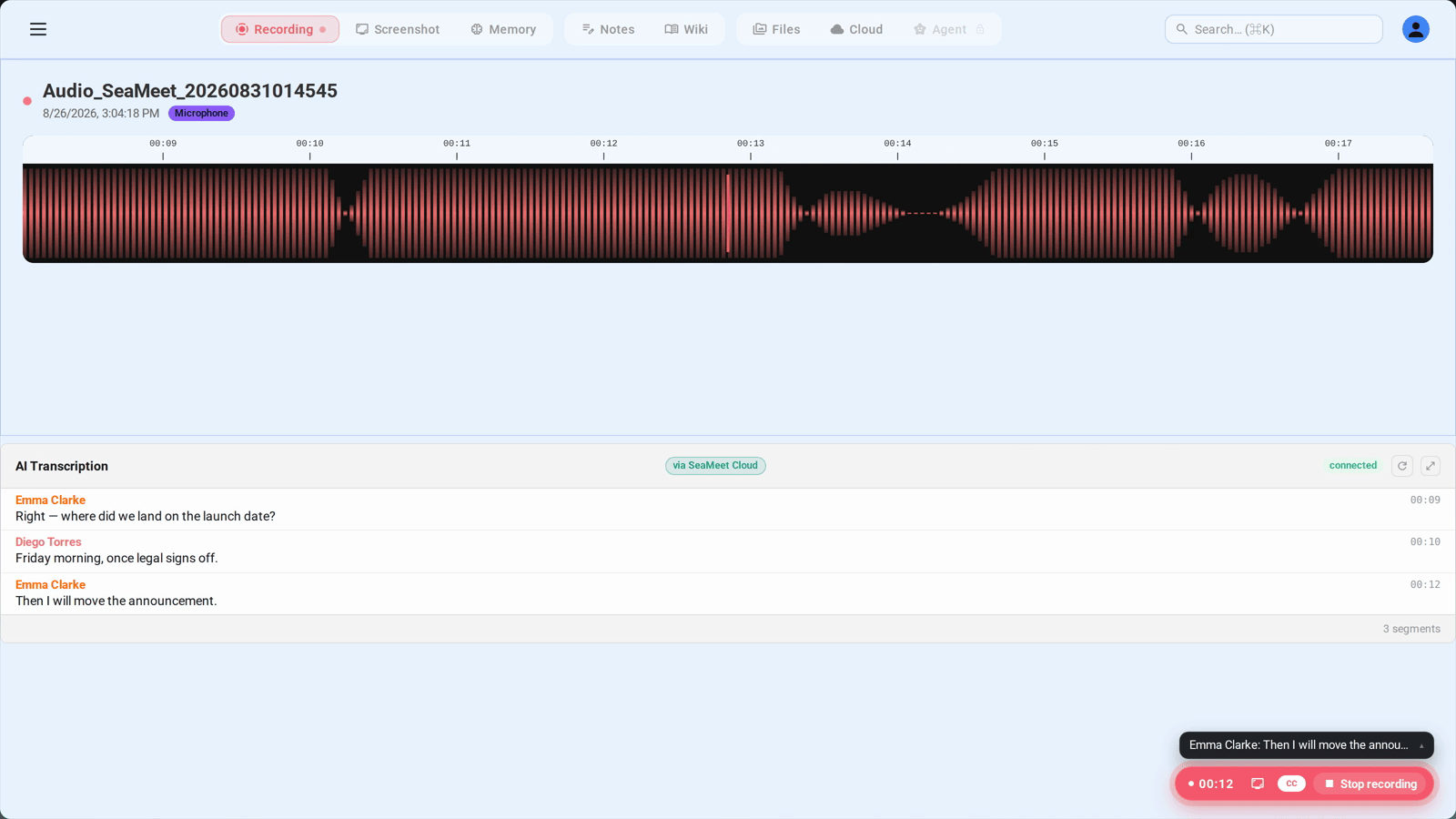
- Open the recording page in Chrome, Edge or Safari and choose the microphone option. The browser asks for mic access once — allow it.
- Set the language, or trust auto-detect. Monolingual meetings gain a small accuracy bump from declaring the language; bilingual rooms that drift between English and Mandarin, or Spanish and English, are exactly what auto-detect is for.
- Talk normally. The transcript fills in live while the conversation runs, speakers separated by voice pattern.
- Stop when it winds down. Transcript, summary and action items file into your library — the room gets the same afterlife a video call always had.
The first 15 minutes of this need no signup at all — nothing to install, no account to create before the meeting starts.
Method 2: the desktop app, for the meetings you schedule weekly
Same microphone, more spine. The desktop app adds the pieces a recurring ritual benefits from:
- Flashback — the recorder that forgives. The moment you do press Record, the previous two minutes of room audio come with it. For the meeting that started making sense before you found the button, this is the feature that decides whether the opening argument survives.
- It survives the browser. A closed lid, a crashed tab, a colleague borrowing the laptop for a slide deck — recording on the desktop path keeps running and lands in the same library.
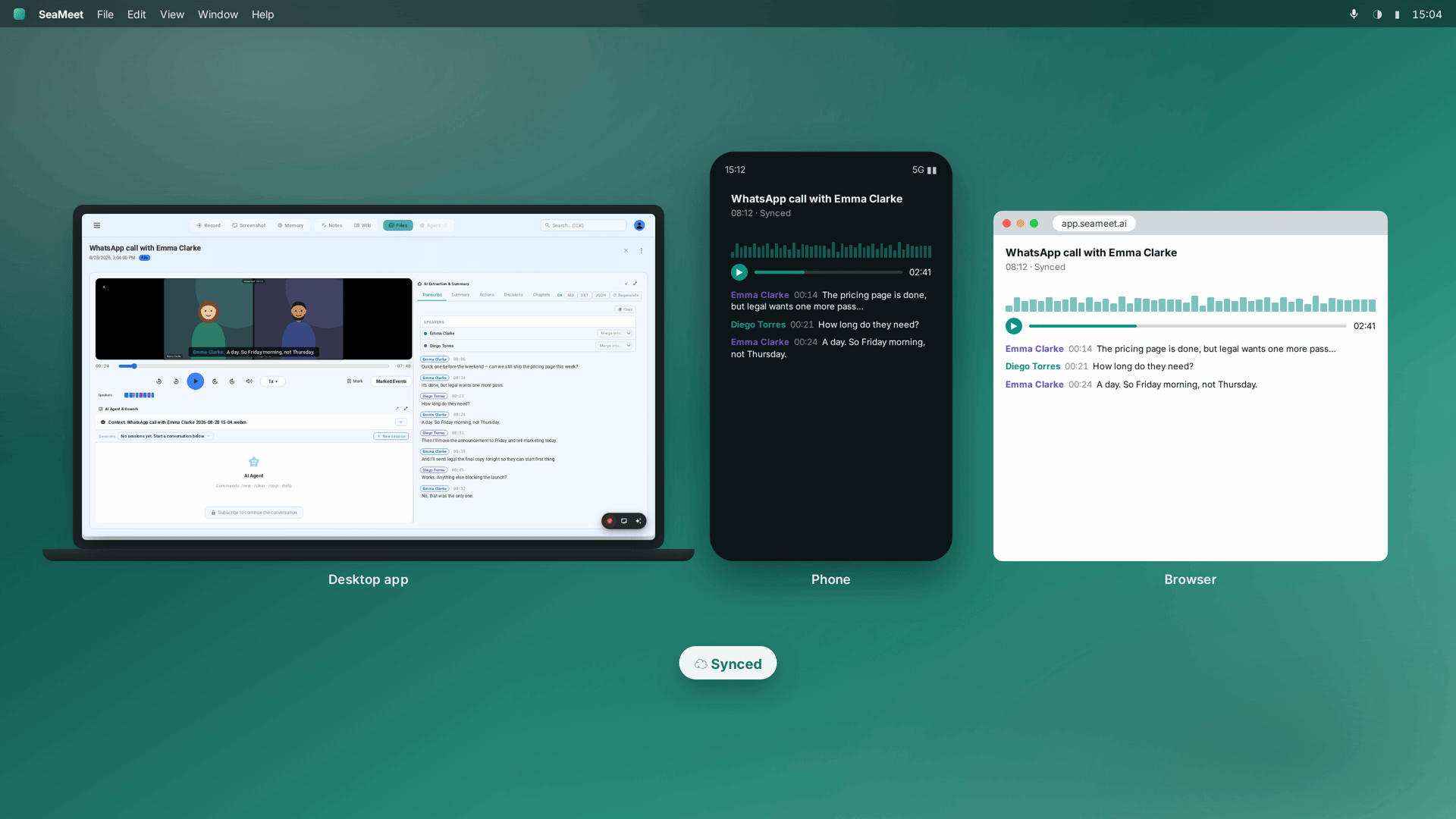
- Sync across machines. Record on the meeting-room Mac, read the transcript at your desk ten minutes later.
Method 3: the phone voice memo, for everywhere a laptop can’t go
Site visits, factory floors, walk-arounds, the car — sometimes the room has no table. The phone’s voice-memo app — Voice Memos on an iPhone, any recorder on Android — captures the conversation; the file drops into SeaMeet’s import flow afterwards; the transcript and summary come back identical to a live capture. Eleven audio and video formats import, so the memo app’s default is fine.
This is also the honest answer for phone calls: put the call on speaker in a quiet room and the laptop hears both sides like any other conversation, or record a memo on the phone itself and import it — either way the transcript arrives as text you can search.
Getting a clean capture
The mechanics are one paragraph: centre of the table, one mic permission, one language choice. The craft is slightly longer. Distance is the enemy — a voice two metres from the mic transcribes worse than one half a metre from it, so on a long table, move the laptop or add the conference mic. Crosstalk costs the speaker labels more than it costs the words; a chairperson who lets sentences finish buys better attribution. And whoever gets mislabelled in the transcript gets renamed once, in the library, in seconds — the labels are editable precisely because rooms don’t send attendee lists.
What you keep when the room empties
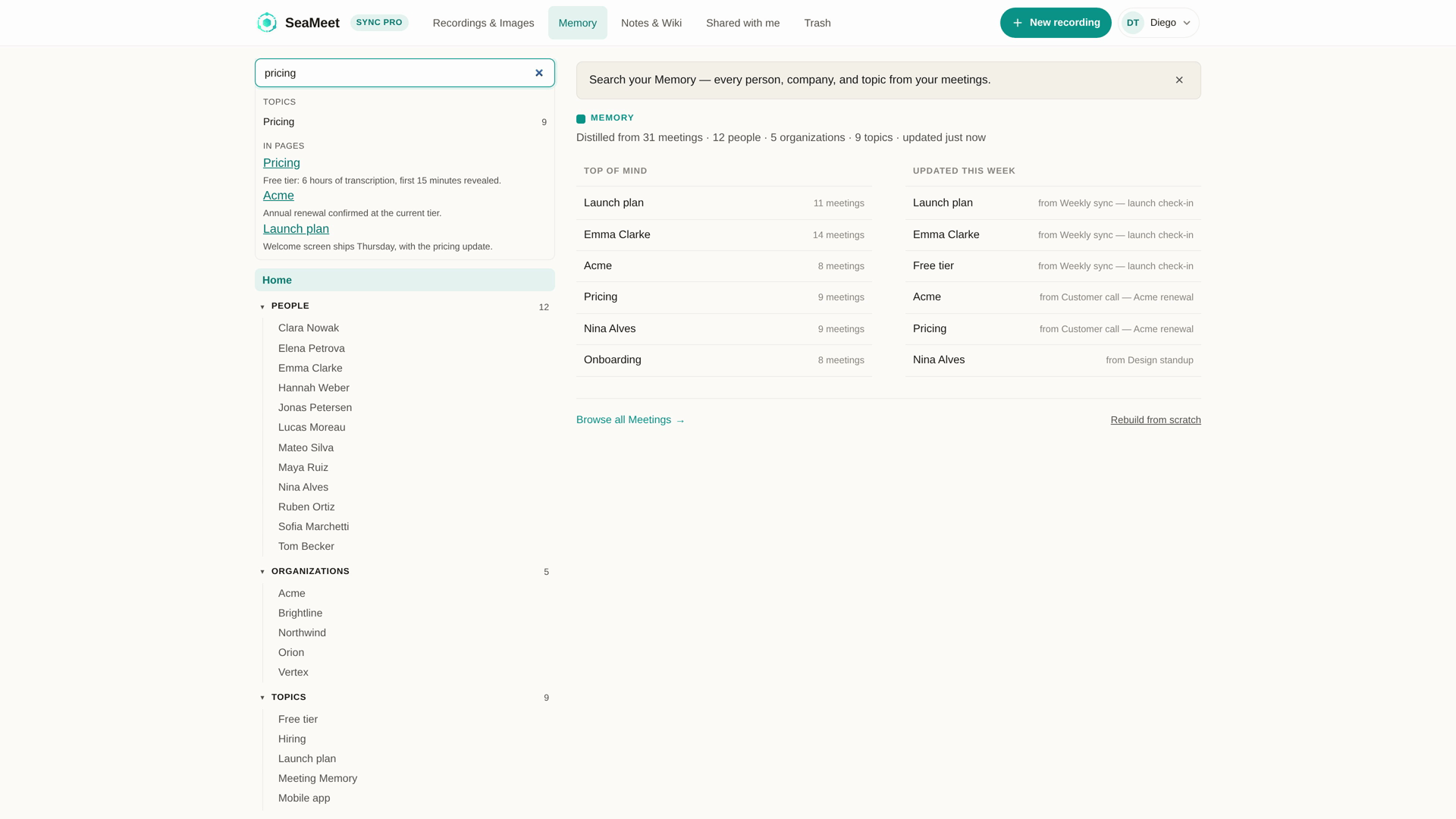
A transcript with names on it. Timestamped, speaker-labelled, correctable, auto-detecting across 20+ languages — the sentence you’ll need next week is a search box away, not an hour of scrubbing.
A summary with the decisions in it. The things agreed across a table are notoriously the things nobody writes down; the summary arrives about a minute after you stop recording, in the language the meeting ran on, with owners on the action items.
A record that stays on your machine. Capture is local — nothing uploads while anyone talks. For HR-adjacent rooms, off-site client conversations and anything else that starts with “just between us in this room”, that property is the whole point: the file exists where you decide it exists, and goes only where you send it.
Costs, plainly: 15 minutes free with no signup, six hours of transcription on the free plan that never expire, unlimited length with Sync Pro at $15.99 monthly or $12.99/month annual.
Consent: the one thing a room deserves out loud
An in-person recording has no fine print to hide in — the people being recorded are in eyeshot. Many jurisdictions require every participant’s agreement for exactly this situation, workplace policy demands it almost everywhere else, and practically speaking, the sentence is easier than the asking-around-later. Say it at the top: “I’m recording notes for this.” Consent announced up front is the legal baseline and the reason nobody wonders afterwards.
FAQ
Do I need everyone’s consent to record an in-person meeting?
In many places, yes — all-party jurisdictions require every participant to know and agree, and company policy often insists on it everywhere else. One sentence at the start, said normally, covers the legal floor and the social one at the same time.
Which microphone should I use?
The laptop’s built-in mic is genuinely enough for a small room. Long tables and noisy spaces justify a USB conference mic or a headset mic — closer and quieter always transcribes better, and the mic is the one piece of hardware worth spending on.
How many speakers can it separate?
There’s no fixed ceiling. Attribution works from voice patterns, does better with distinct voices and non-overlapping sentences, and every label is editable afterwards — a mislabelled speaker is one rename from fixed, not a reason to re-record.
Can I record a phone call this way?
Yes, through the room. A call on speaker fills the room with both voices, and the microphone captures it like any other conversation; alternatively, record a memo on the phone and import the file. Either route ends in the same searchable transcript.
Do Teams, Zoom, Copilot, Fireflies, Fathom or Granola work for in-person meetings?
Not directly — their capture is built around a meeting that exists online: a link to join, a participant list to read, a platform recording to transcribe. A room conversation offers none of those, which is why the usual trick is one laptop joining a call to proxy the room, with mixed results. The microphone path skips the detour and records the room itself.
Can I record a lecture or a talk I’m attending?
Ask the speaker first — many are fine with personal-study recordings, some decline for copyright or privacy reasons, and venues occasionally set the rule for everyone. With a yes, the laptop-mic flow works unchanged from an audience seat.
How long can it record, and what does it cost?
The free tier transcribes 15 minutes with no signup and carries six hours of transcription that never expire; Sync Pro removes the length cap and adds cloud sync and 250 GB of storage, at $15.99 month-to-month or $12.99/month billed annually.
What if I forget to hit record?
On the desktop app, Flashback answers precisely this: the recorder keeps a rolling two-minute buffer, and pressing Record late still saves the room audio from before you pressed it. The browser path hears only from Start onward — one more reason the weekly ritual belongs on the desktop app.
See it in 60 seconds
Related articles
Tags
Ready to try SeaMeet?
Join thousands of teams using AI to make their meetings more productive and actionable.
Free: 6 h lifetime transcription · first 15 min revealed