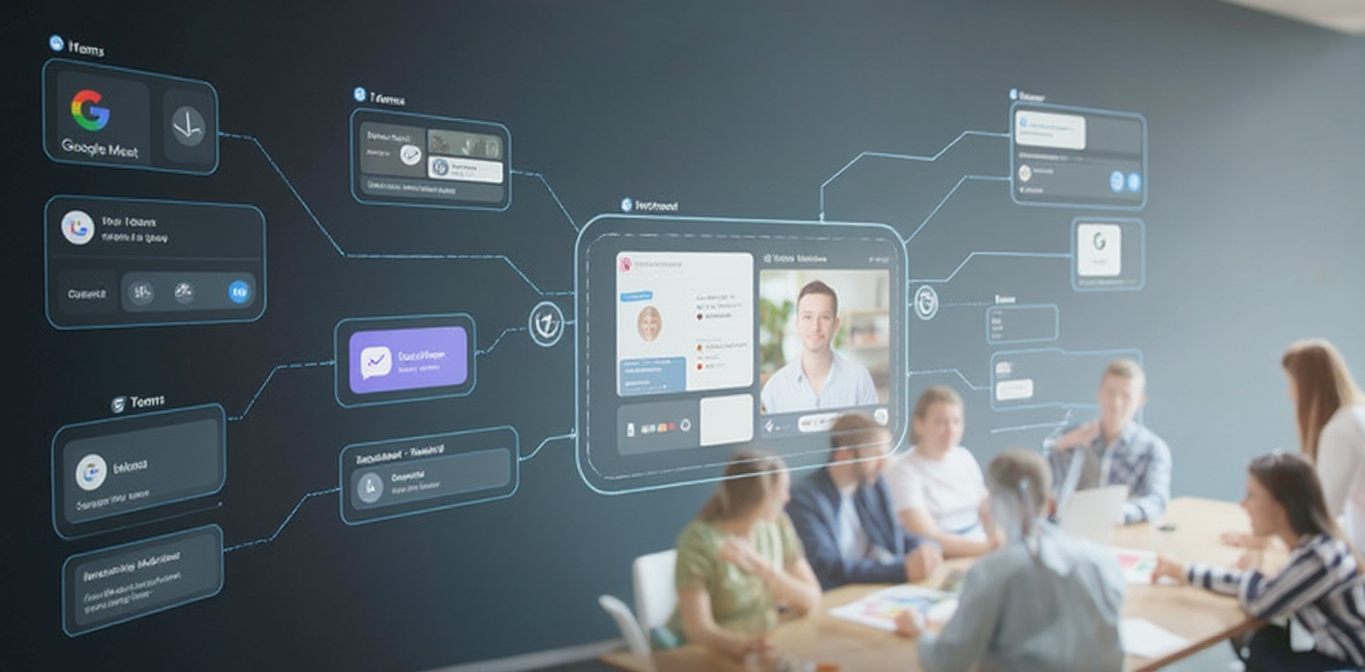
Stop Toggling Tabs: This AI Puts Your Entire Post-Meeting Workflow Inside One Email
Table of Contents
Stop Toggling Tabs: This AI Puts Your Entire Post-Meeting Workflow Inside One Email
The Post-Meeting Scramble
You just finished an important meeting. The hard part is over, but the real work has just begun. Now comes the familiar, frustrating scramble—a post-meeting workflow that imposes a heavy productivity tax on your time and focus.
Typically, this involves getting a meeting transcript, copying the text, and pasting it into a separate AI tool like GPT or Gemini. You prompt it to draft a summary or follow-up, then copy the result back into your email client for final edits. This process is defined by workflow friction. Each step requires you to jump between different applications and browser tabs, breaking your concentration and draining your momentum. The source of this friction is the constant need to “switch in between different tabs” and the distraction that inevitably follows.
This fragmented process begs a simple but profound question.
“What if you could finish everything inside your email and just stay in the flow?“
1. Your Inbox Becomes an Interactive Workspace
The core principle behind the SeaMeet Copilot is a fundamental shift in how you use your inbox. After a meeting, the Copilot sends you an email summary. From that point on, all subsequent work is accomplished by simply replying directly within that email thread.
Instead of being a static place for messages, your inbox becomes a dynamic command center. You can “talk” with the Copilot to process information and generate documents without ever leaving your email. For example, after receiving the initial summary, you can reply with direct prompts like "extract the most important issues from this meeting" or "create a detail the GitHub issue ticket in markdown format". The Copilot replies within seconds in the same thread with the requested asset.
This shift is significant because it fundamentally redefines your relationship with your primary communication tool. Your inbox is no longer just a repository for messages; it becomes the primary interface where you get your work done.
Strategist’s Take: This pattern of “conversational command” within existing tools represents the maturation of AI integration. The first wave of AI gave us powerful but separate destinations like chatbots. The next, more sophisticated wave brings the AI to where the user already is, embedding command-line power into familiar interfaces. This eliminates the adoption barrier and transforms everyday tools into intelligent workspaces.
2. The End of “Information Clutter”
One of the biggest liabilities of a multi-app workflow is the “cluttered information” it creates. A draft proposal might live in an AI chat window, the final version in a cloud document, and the related conversation in an email—all scattered across disparate corners of your digital workspace.
The SeaMeet Copilot solves this by containing the entire conversation and all its outputs within a single, continuous email thread. Whether you’re drafting a Statement of Work (SOW) or composing a client follow-up, every request and generated document is saved chronologically in one place. This isn’t just about convenience; it’s about creating an intelligent and durable system of record. Unlike ephemeral chat windows or disorganized folders, the email inbox is already the long-term, universally searchable archive for most professionals. For someone with “20,000 different emails in the past one or two years,” that archive is a powerful asset. By centralizing the work there, you leverage a system you already trust.
The long-term benefit is a clean, coherent history of your work. Months or years later, the entire project evolution is easily reviewable.
“all the history is written in your email not inside some cluttered corners on the internet”
Strategist’s Take: Knowledge management is a critical business function, yet it often fails at the individual level due to friction. By building the archive directly into the workflow’s natural communication channel—email—this model creates a self-organizing single source of truth for every project. It’s a masterstroke of user-centric design that turns a simple email thread into a comprehensive project dossier.
3. You Finally Stay in the Flow
The ultimate benefit of this integrated workflow is the ability to maintain focus and “stay in the flow.” By eliminating the need to constantly switch between your inbox, AI tools, and other applications, you preserve the cognitive energy required for deep work.
Contrast the old, distracting method with this new, streamlined process. Instead of leaving your email client, you can accomplish a wide variety of post-meeting tasks right where you are, including:
- Writing a brief proposal or a formal Statement of Work (SOW).
- Drafting a follow-up email to a client.
- Creating a GitHub issue ticket formatted in Markdown.
This leads to the ultimate productivity payoff, a principle this workflow makes real: the ability to “finish the work from where you wanted to start it.” You never get distracted and stay in the flow.
Strategist’s Take: The concept of a “flow state,” where an individual is fully immersed and energized in a task, is the holy grail of productivity. The primary destroyer of flow is context switching, which incurs a cognitive cost every time you change applications. By consolidating the entire post-meeting task chain into a single interface, this workflow isn’t just making you faster—it’s creating the psychological conditions required for higher-quality work.
The Future of Work is Integrated
The true measure of an AI tool isn’t the novelty of its features, but the seamlessness of its integration. Powerful AI eliminates friction; it doesn’t add another destination to your workflow. This approach transforms a familiar tool—the email inbox—into a potent productivity hub.
By allowing users to start and finish their post-meeting tasks in the exact same place, this model points toward a future where efficiency is driven by integration, not an accumulation of single-purpose tools.
As AI continues to embed itself in our daily tools, what other “single-purpose” app is ready to become your next all-in-one workspace?
Related articles
Tags
Ready to try SeaMeet?
Join thousands of teams using AI to make their meetings more productive and actionable.
Free: 6 h lifetime transcription · first 15 min revealed