Po spotkaniu
Umiejetnosci AI
Przestan kopiowac do ChatGPT. SeaMeet zamienia Twoje nagrania w dzialanie — automatycznie.
These AI skills are currently in development and will be available in a future update.
Kazde spotkanie tworzy surowa tresc — audio, transkrypcje, rozmowy. Ale prawdziwa praca dzieje sie pozniej: pisanie podsumowan, tworzenie slajdow, przygotowywanie e-maili follow-up, tlumaczenie dla miedzynarodowych zespolow. Agent AI SeaMeet zajmuje sie tym wszystkim.
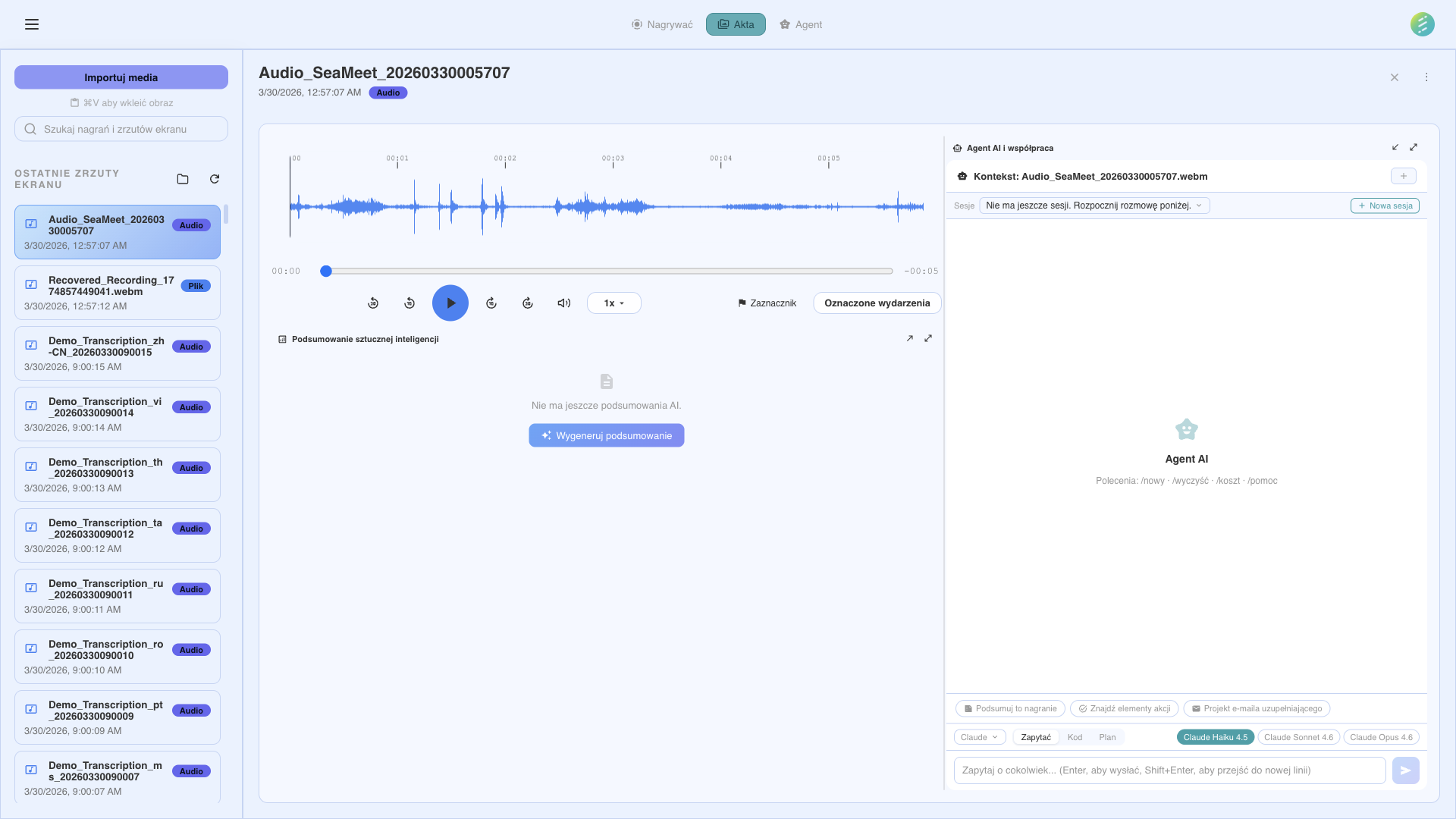
Powiedz SeaMeet, co zrobic z Twoimi nagraniami
Umiejetnosci
Transkrybuj
Pelna transkrypcja slowo po slowie z etykietami mowcow i znacznikami czasu. Zasilana przez Gemini Live.
Recznie cofaj i wpisuj, co zostalo powiedziane
Kompletna, przeszukiwalna transkrypcja pojawia sie automatycznie
Podsumuj
Zwiezle podsumowanie z kluczowymi punktami, podjetymi decyzjami i zadaniami wyodrebnionymi automatycznie.
Przeszukuj 60-minutowe nagranie, aby znalezc to, co wazne
Kluczowe punkty, decyzje i zadania w kilka sekund
Zadawaj pytania
Interaktywny agent AI odpowiadajacy na pytania w jezyku naturalnym o Twoje nagrania.
Szukaj w notatkach probujac przypomniec sobie, co powiedziano
"Co klient powiedzial o harmonogramie?" — natychmiastowa odpowiedz
Przetlumacz
Tlumacz transkrypcje i podsumowania na dowolny jezyk. Idealne dla miedzynarodowych zespolow.
Kopiuj transkrypcje, wklej do Tlumacza Google, formatuj ponownie
Jeden klik: pelna transkrypcja po japonsku, hiszpansku lub dowolnym jezyku
Utworz slajdy
Generuj slajdy prezentacyjne z tresci spotkania. Gotowe do udostepnienia interesariuszom.
Recznie tworz slajdy z notatek spotkania
"Zrob slajdy z tego standupu" — prezentacja gotowa w sekundy
Utworz infografike
Wizualna jedostronicowa podsumowanie kluczowych rezultatow spotkania. Gotowa do udostepnienia.
Projektuj grafike podsumowujaca w Canva lub Figma
Automatycznie wygenerowane wizualne podsumowanie gotowe do udostepnienia
Przygotuj e-mail follow-up
AI przygotowuje e-mail follow-up na podstawie zadan i decyzji ze spotkania.
Pisz e-mail sam, ponownie czytajac notatki dla kontekstu
Gotowy do wyslania e-mail przygotowany z decyzji i zadan ze spotkania
Eksportuj do Notion/Docs
Przesylaj podsumowania spotkan bezposrednio do swojej bazy wiedzy.
Kopiuj podsumowania do Notion, formatuj recznie
Notatki ze spotkan pojawiaja sie w Twoim obszarze roboczym automatycznie
Jak to dziala
Nagraj dowolna rozmowe
Automatycznie wykrywane lub reczne — SeaMeet przechwytuje audio i wideo z dowolnego zrodla na Twoim pulpicie.
AI przetwarza nagranie
Transkrybuj, wyodrebnij kluczowe informacje i analizuj tresc — wszystko dzieje sie automatycznie.
Powiedz agentowi, co zrobic
"Zrob slajdy z tego." "Przetlumacz na japonski." "Przygotuj e-mail follow-up." Po prostu popros.
Not on the desktop app? See the web capability → Customized Summary